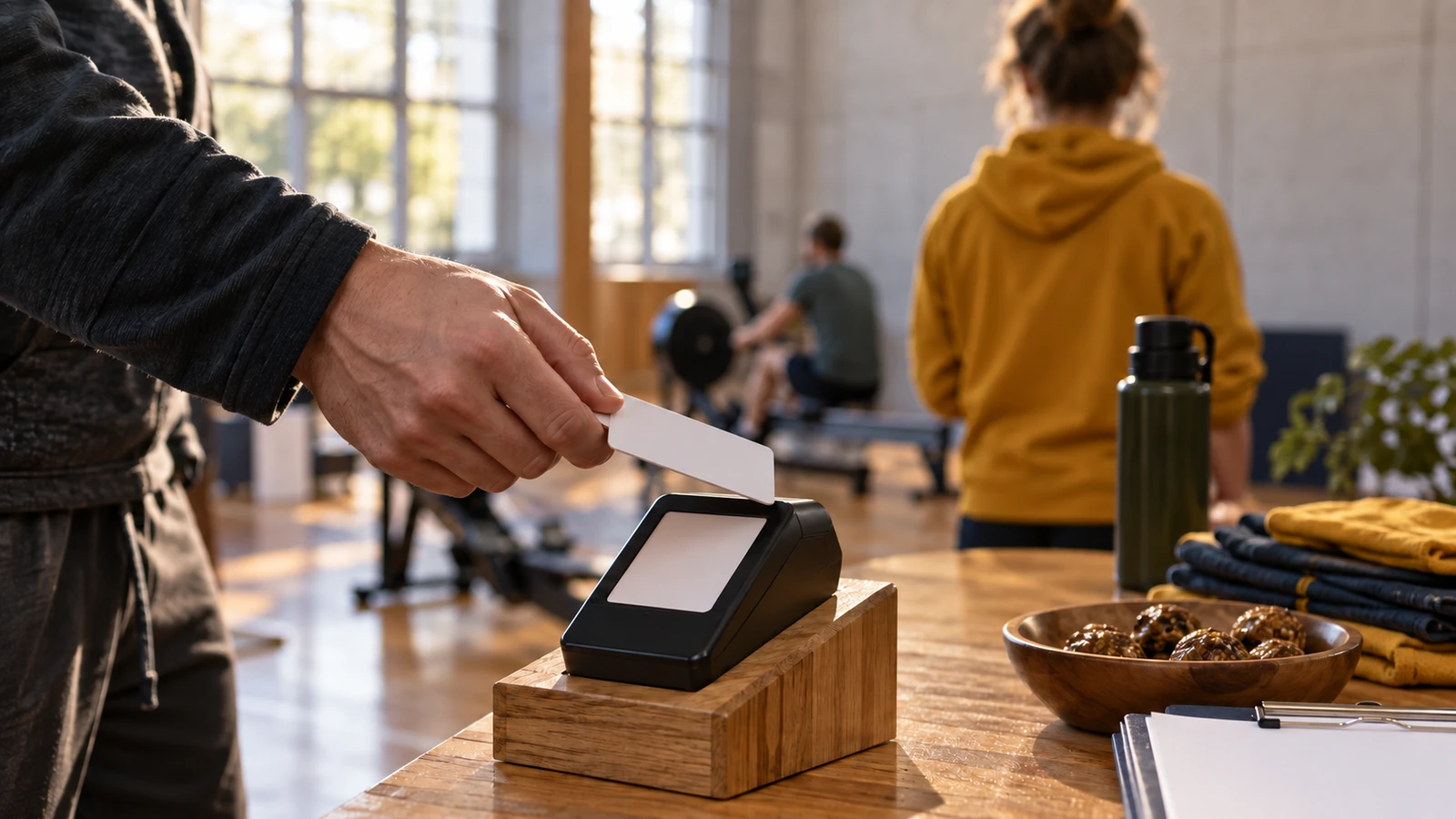
A “tap to donate” label is wrong on an NFC tag that only opens a web page: the tap takes no money, and the donor still has to complete checkout on their own phone. A contactless donation on a reader is a card payment: the donor holds an EMV contactless card, or a compatible phone with a payment wallet set up, near a payment reader, the two exchange a one-time security code, and the charity’s payment provider approves the gift.
How do contactless donations at events work? The donor picks an amount on a card reader, phone or donation stand and taps a contactless card or a phone wallet on it. The tap uses NFC, a short-range radio standard that the NFC Forum describes as working at 13.56 MHz over a typical range of up to 2 cm, and the payment itself follows EMV contactless specifications, which EMVCo says generate a one-time security code for every transaction. The money goes to whichever account the reader is connected to, so that account must belong to the charity or a platform it has agreed to.
This explainer is for people organizing a fundraising challenge or community event in the US who want to take gifts on the day. It separates the terms that sales pages run together, NFC, EMV contactless, chip, stripe and tap-to-pay, and ends with a checklist for the event. It does not compare brands or fees, and this site does not collect donations.
Key points:
- NFC is the radio link; EMV contactless is the payment standard that runs over it for cards and phones.
- A chip card inserted in a reader also creates a one-time code, and EMVCo describes contactless cryptography as more secure than the traditional magnetic stripe.
- An NFC tag or QR code that opens a donation web page is an online payment, not a tap payment.
- The account behind the reader decides who receives the money; agree it with the charity first.
How does a contactless donation work at an event?
In simplified form, a contactless donation takes five steps: the amount is set, the donor taps, the card or phone and the reader exchange data over NFC, the reader sends the transaction for approval, and the result shows on screen. Nothing about it is special to charities; it is the same card payment a shop takes, run on the charity’s account. At a relay, the reader can sit beside the event-day counting desk, so one volunteer team handles both.
| Step | What happens | Source of the technical detail |
|---|---|---|
| 1. Amount set | A volunteer keys in the gift, or the donor picks a preset amount on a stand | Your device setup |
| 2. Tap | The donor holds a contactless card, phone or watch close to the reader; NFC’s typical range is up to 2 cm | NFC Forum |
| 3. Data exchange | Card or phone and reader run the EMV contactless process; a one-time security code is generated for the transaction | EMVCo |
| 4. Approval | The reader passes the payment to the charity’s payment provider for approval through the card network | Simplified; the provider confirms its own approval and settlement steps |
| 5. Result and record | The reader shows approved or declined; the gift appears on the donor’s card statement | IRS Pub. 1771 treats a card statement as a record of a monetary gift |
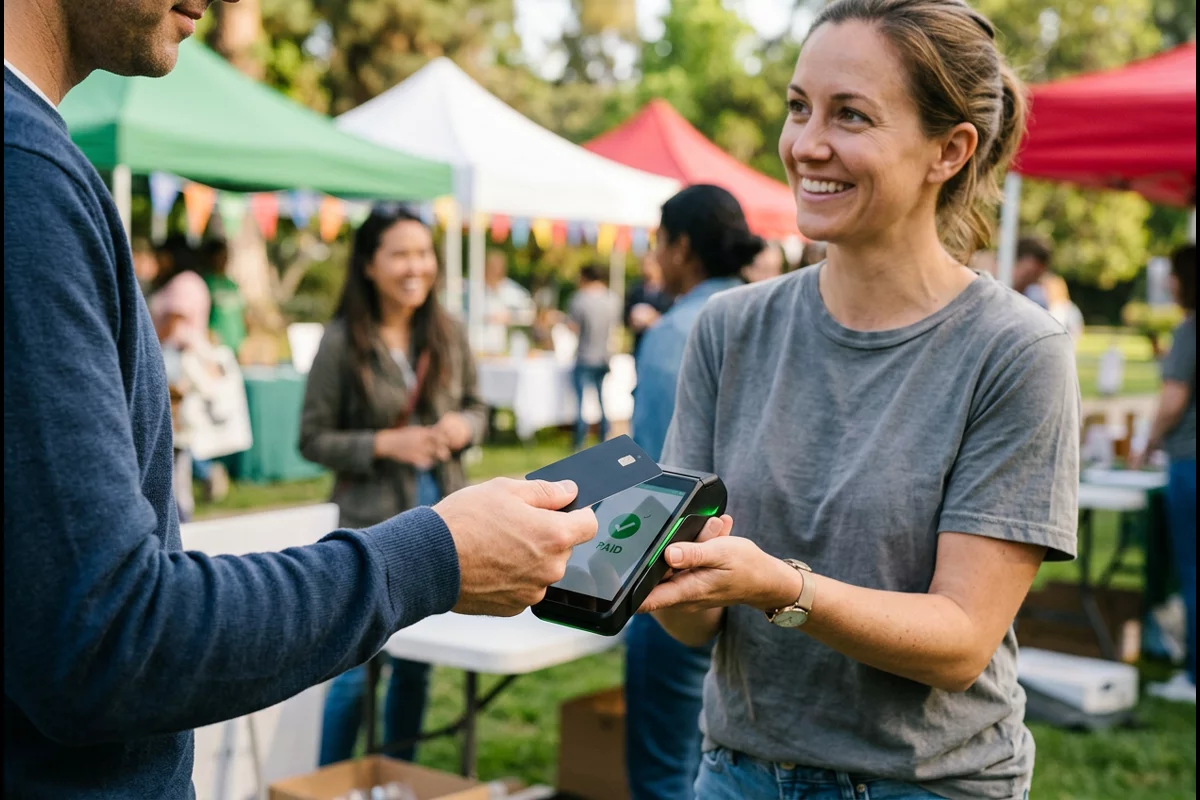
Phones join the same flow by acting as a card. The NFC Forum calls this card emulation mode, the most common NFC mode today: the phone “looks like” a contactless card to the reader, using either a secure chip in the phone or an app (host card emulation).
Takeaway: Treat every tap as a card payment on the charity’s account, with the same approval and record as a shop sale.
NFC, EMV contactless, chip and magnetic stripe: what is the difference?
NFC is a radio technology; EMV contactless and EMV chip are payment standards; the magnetic stripe is the older card technology they replace at the reader. “Contactless donations vs NFC” is therefore not a choice between two options: contactless card payments run over NFC.
| Term | What it is | How the donor uses it | Security feature named by the source |
|---|---|---|---|
| NFC (Near Field Communication) | Short-range radio standard at 13.56 MHz, typical range up to 2 cm, used for payments, tickets, tags and more (NFC Forum) | Holds a card or phone close to a reader | Defined by the payment standard that runs over it |
| EMV contactless | Payment specifications for contactless chip cards and NFC phones, published by EMVCo | Taps or waves the card or phone | One-time security code for every transaction (EMVCo) |
| EMV contact chip | Payment specifications for chip cards read by contact (EMVCo) | Inserts or “dips” the card | Validates the card and creates a one-time code, which helps prevent counterfeit, lost and stolen card fraud (EMVCo) |
| Magnetic stripe | The stripe on the back of the card, read by swiping | Swipes the card | EMVCo describes contactless cryptography as more secure than the traditional stripe |
| Phone or watch wallet | A device emulating a contactless card over NFC, using a secure element or host card emulation (NFC Forum) | Taps the phone or watch | Same EMV contactless process as a card |
EMVCo is the technical body that publishes the EMV specifications; it is owned by American Express, Discover, JCB, Mastercard, UnionPay and Visa, and it says it does not mandate or enforce them. How a reader handles cards is set by the payment networks and the charity’s payment provider, so questions about limits or verification go to the provider.
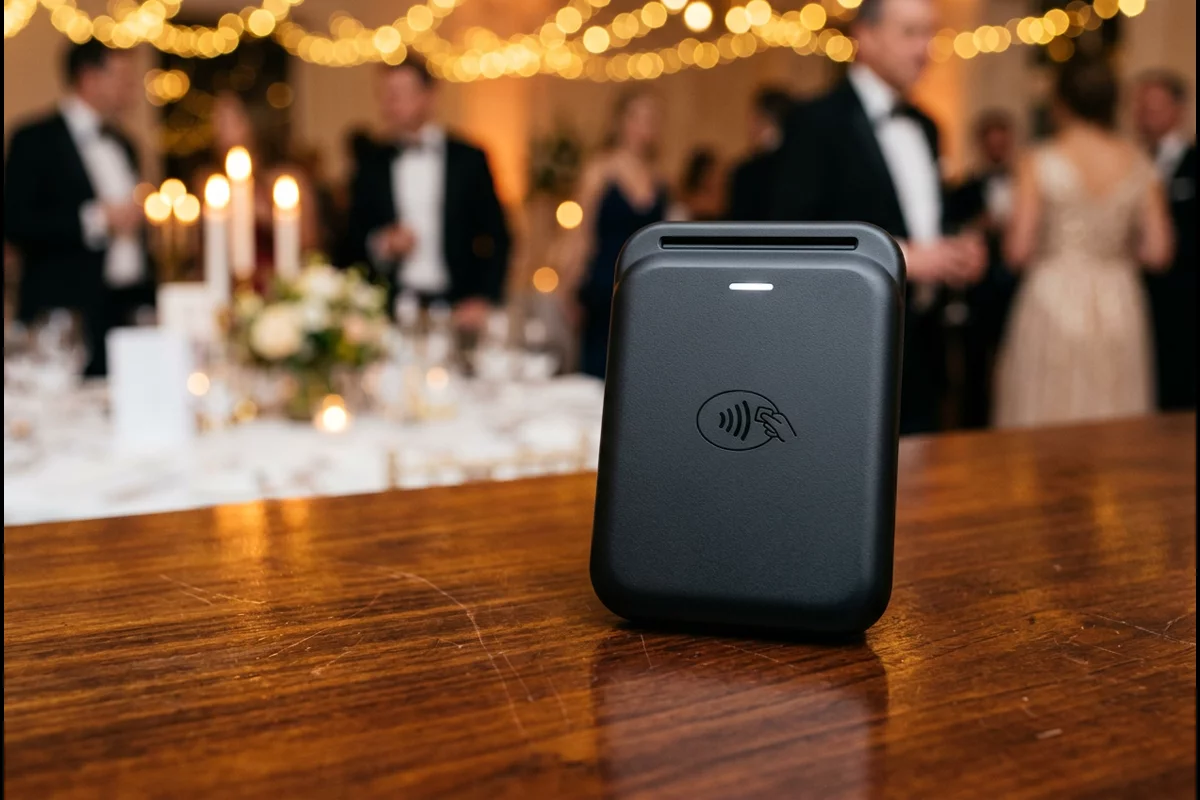
Takeaway: Ask whether a reader accepts EMV contactless cards and phone wallets; “NFC” alone does not tell you it takes payments.
A payment tap is not the same as a tap-to-open tag or a QR code
An NFC tag on a poster or wristband stores data such as a web address; when a phone reads it, the phone opens the website, as the NFC Forum explains. That works at the event as well as afterwards, but the gift is then an online checkout on the donor’s phone, not a tap on a reader, so the donor needs a data connection and a few more steps. A QR code works the same way.
| Method | What the tap or scan does | Where the payment happens | Suggested use at an event |
|---|---|---|---|
| Contactless payment on a reader | Card or phone pays the reader directly | On the reader, on the spot | Gifts at the welcome desk or finish line |
| NFC tag (sticker, poster, wristband) | Opens a stored web link on the donor’s phone | On the donation web page, typed or with a saved wallet | Opening the donation page at the event or afterwards, clearly labelled |
| QR code | Opens the same web link when scanned with the camera | On the donation web page | Printed materials and screens |
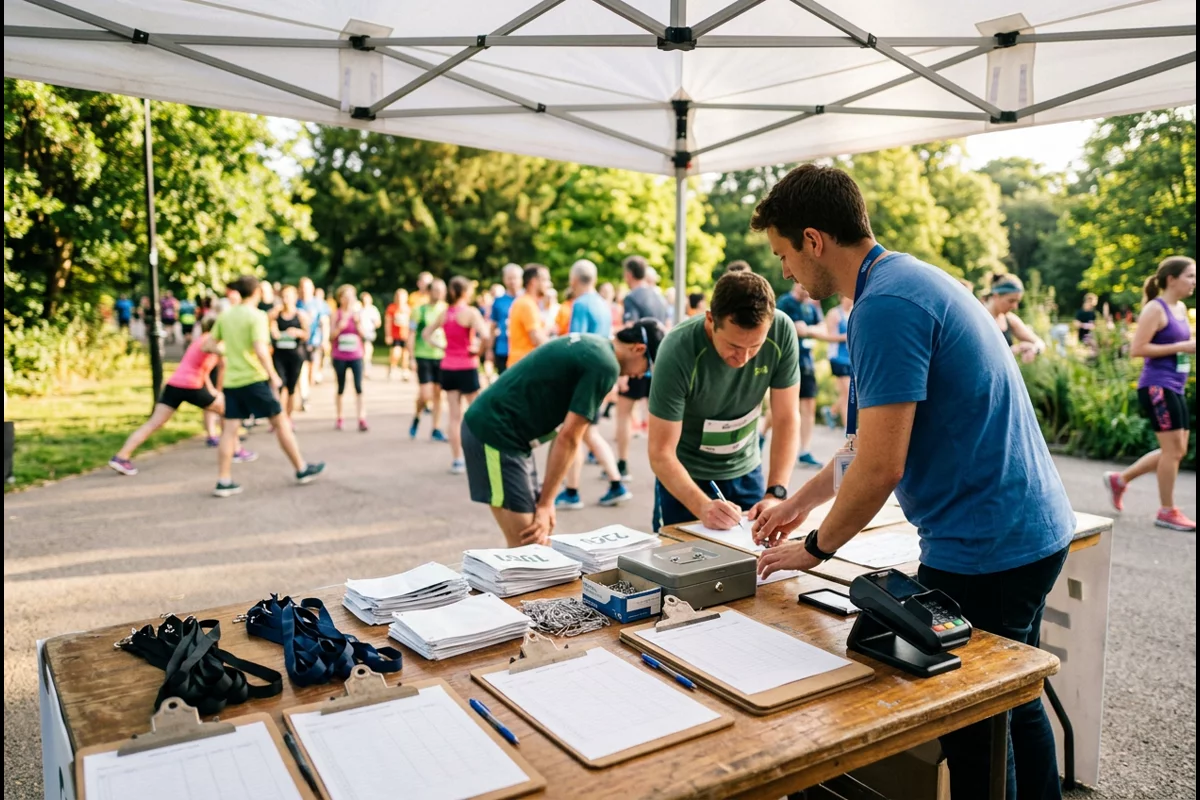
Common mistake: Printing “tap to donate” on an NFC tag sticker. Supporters expect a payment and get a web page; label tags and QR codes “tap to open the donation page” and keep a reader for gifts on the spot.
Takeaway: Label each method by what it does: a reader takes the payment, while tags and QR codes open the page where the donor pays.
Which devices can take contactless donations at an event?
A payment device can take event donations when it accepts EMV contactless cards and phone wallets and is set up on an account the charity has approved; the provider confirms which cards, wallets and uses it supports. Four types are common; the right one depends on how many people give at once, whether a volunteer is present and what the charity already uses.
| Device type | How it works | Points to ask the provider |
|---|---|---|
| Card reader paired with a phone or tablet | A small reader connects to an app on the volunteer’s device | Which account it pays into, fee per transaction, payout timing |
| Countertop payment terminal | A standalone terminal with its own connection | Same, plus power and network needs |
| Tap to pay on a phone | Software lets the phone’s own NFC accept contactless cards without a separate reader | Whether the solution is on the PCI SSC list for MPoC; PCI SSC set a sunset period for the older CPoC standard from May 1 to October 31, 2026 |
| Donation stand or kiosk | An unattended stand with a built-in reader and preset amounts | How the amounts are set, how the stand is secured, who checks it during the day |
The PCI Security Standards Council encourages merchants and their acquirers to choose solutions from its listings, and PCI DSS applies to every organization that stores, processes or transmits cardholder data. In practice, the charity’s payment provider is the one to confirm that a device and app are approved for its account.
Ask each provider these questions before the event, and get the answers in writing: which account the money goes into; the fee per transaction; when funds reach the charity; whether the device needs Wi-Fi or a cellular connection and what happens if the connection drops; and how a refund is made if a donor taps the wrong amount. Add the fees to the event budget so the finance lead can show costs separately from gifts.
Takeaway: Choose the device with the charity and its payment provider, not on your own account.
Who receives the money, and what records donors get
A reader pays into the merchant account it is set up with, so the setup decides where gifts land. Ask the charity to confirm the receiving organization, the settlement account and who issues receipts before the event. The FTC’s guidance covers related cases: gifts to individuals, such as through personal crowdfunding, are not tax deductible, and online platforms can keep a fee and take time before passing money on.
| Question | Answer and source |
|---|---|
| Is a tap donation tax deductible? | Only if the charity is eligible; check it in the IRS Tax Exempt Organization Search (FTC) |
| What record does a donor need for a deduction? | A bank or card statement, or a written communication from the charity, showing the charity’s name, the date and the amount (IRS Pub. 1771) |
| What about large gifts? | To deduct a single gift of $250 or more, the donor also needs a contemporaneous written acknowledgment from the charity, including a statement about any goods or services given in return; a reader’s transaction receipt does not replace it (IRS Pub. 1771) |
| What should donors check? | That only the agreed amount was charged and no recurring donation was set up (FTC) |
The wider decision about the money route, receipts and state registration is the first step in the charity challenge event plan, and its compliance checks list what to settle before taking any gift.
Common mistake: Connecting the reader to a volunteer’s personal payment account “just for the day”. The charity then has no direct record of those gifts and depends on that person to pass them on. Let the charity set up or approve the account.
Takeaway: Confirm the account behind the reader before the event and tell donors whose account receives their tap.
Event-day checklist for contactless giving
Prepare the reader like any other piece of event equipment: power, connection, placement, signs and a check during the day. The list below is our suggestion for a community challenge, with the security items drawn from PCI SSC and FTC guidance.
| Check | What to do | Why |
|---|---|---|
| Account | Run a small test transaction before doors open; check the merchant name, amount and result in the provider’s records, and ask when funds settle | Confirms the reader is set up on the agreed account |
| Connection | Test Wi-Fi or cellular signal at the exact table spot; ask the provider what the reader needs to approve a gift and how it handles a dropped connection | Network needs differ between devices |
| Power | Charge readers and phones; bring a charging cable and power source | A flat reader stops giving |
| Placement | Put the reader where supporters pass, such as the welcome desk or by the running-total board | Supporters see it on their way in and out |
| Signs | Name the charity that receives the money and the amount options | Donors should know who gets the gift (FTC) |
| Tamper check | Inspect readers at set times and keep them in sight; PCI SSC warns that criminals attach skimming devices to card readers | Protects donors’ card data |
| Backup | Keep the charity’s donation page link or QR code on display | Supporters can still give if a reader fails |
| Close-out | Note the reader’s total at the end and match it with the payout later | Gives the finance lead a figure to reconcile |

A reader can sit next to the counting desk in a rowing relay, where supporters watch the total grow; the pace and time-for-distance guide helps the team set that total. More event guides are under event planning and endurance challenges.
Takeaway: Test the account, connection and power at the venue, and check readers for tampering during the day.
When this does not apply
This explainer covers card payments at in-person US events. It does not cover:
- Online donations. Donation pages, crowdfunding and platform giving have their own fees and rules; the FTC’s guidance on fundraising platforms is the place to start.
- Cash, checks, crypto and other methods. These follow different handling and record rules; the FTC advises donors against cash, gift cards and wire transfers.
- Card network rules. Limits, verification and fees are set by the payment networks and the charity’s provider, not by EMVCo, which says it does not mandate or enforce its specifications.
- Legal, tax or payment advice. This independent site explains the technology; the charity and its provider confirm what applies, as the about page notes.
Takeaway: Check with the charity’s payment provider for anything about fees, limits or rules for its account.
Method and sources
This explainer was compiled on October 7, 2026 from public pages by EMVCo, the NFC Forum, the PCI Security Standards Council, the IRS and the FTC. Technical statements are attributed to the body that made them; the device types and event checklist are our editorial summary and suggestions. We did not test any reader, app or provider, and the page does not compare brands, fees or offline features. The cover image is an illustration. For the full event plan, see the charity challenge event guide.
Takeaway: Before relying on any point here, confirm it with the charity and its payment provider for the specific device and account.
Related reading
Pick the next guide by the job in front of you:
- How to organize a charity challenge event: the money route, compliance checks and counting plan this checklist fits into.
- Rowing pace per 500 m chart and conversion formulas: set the distance target supporters will follow.
- Rowing machine workouts for beginners: prepare new rowers for their shifts.