Start with the format when choosing between different rowing machine exercises: distance, time or work/rest intervals. Use the PM5 monitor examples below to read the workout label, identify the finish and choose what to record.
A single-distance piece counts down the programmed meters. A single-time piece counts down the programmed time. Interval workouts have periods of work followed by rest time.
For indoor rowing exercises, begin by asking: “What am I setting, and what result do I want to write down?” For movement instruction, open the indoor rowing form guide. For a starting progression, use the beginner rowing workouts guide.
Distance: set the meters, read the finish time
Choose the distance format when you want to work toward a distance endpoint. In the PM5 monitor’s Single Distance workout:
A single-distance piece displays finishing time to the tenth of a second. The standard preset 2000m is a set distance of 2,000 meters—the benchmark indoor rowing test distance. For a shorter speed benchmark use 500m, or choose 5000m for an endurance piece; when recording the result, keep the programmed distance beside the finishing time.
Time: set the duration, read the distance
Choose the time format when you want a timed piece. In the PM5 monitor’s Single Time workout:
A single-time piece displays total meters at the finish. The standard preset 30:00 is a set time of 30 minutes.
Record the programmed duration beside the distance shown at the finish. Before starting, check whether you selected a Single Distance or Single Time workout.
Intervals: define work and rest separately
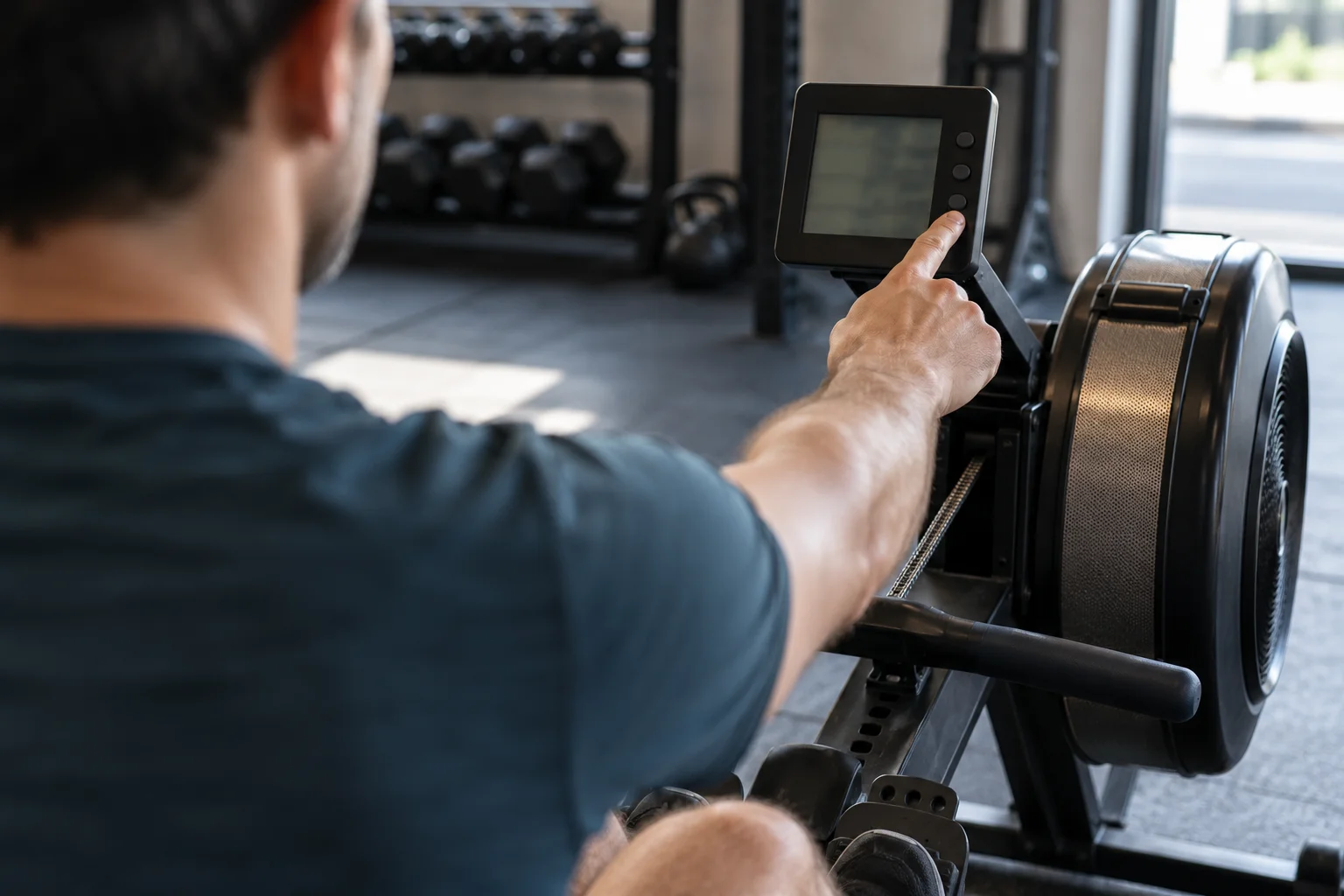
For a PM5 interval workout, check the work setting and the rest setting together.
Time-based intervals specify work time followed by rest time. Distance-based intervals specify work distance followed by rest time. Variable intervals can mix time and/or distance intervals, each followed by rest time.
Decode the interval label
Read these PM5 presets as work/rest notation:
The preset 500m/1:00r means 500 meters of work followed by one minute of rest. The preset :30/:30r means 30 seconds of work followed by 30 seconds of rest.
When copying an interval session, write out the work distance or work time, the rest time and the intended repetitions. Keep the work and rest labels beside their values.
Check the rest setting
Interval rest time can be set to a specified amount or left undefined. Interval rest may involve stopping completely or keeping the flywheel spinning at a very easy pace.
Rowing machine sets and reps: structuring multi-set intervals
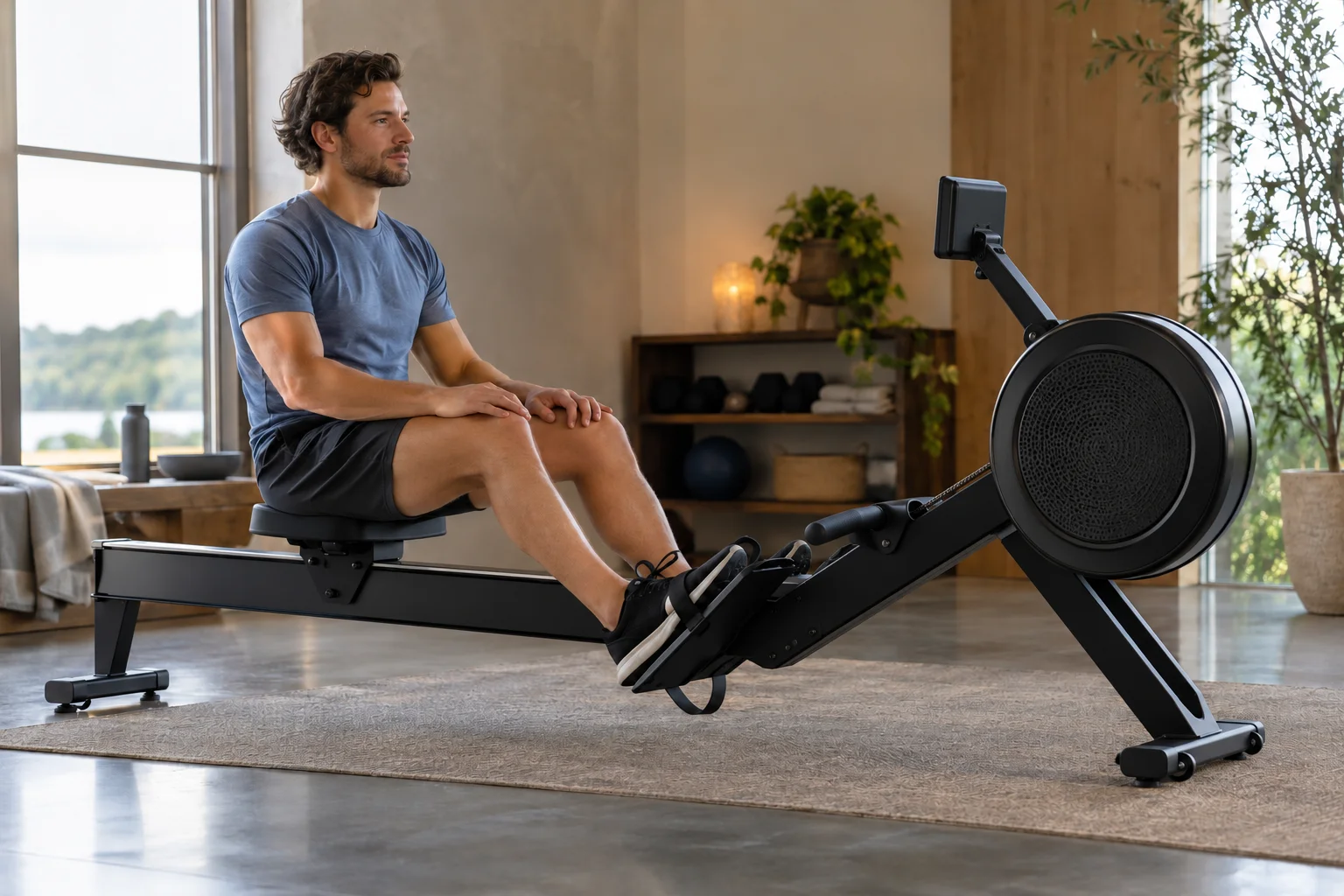
In rowing workouts, a rep (repetition) is one work interval (such as a single 250m or 500m piece), and a set is a group of repeated intervals separated by a longer recovery break—for example, 2 sets of 4 × 250m / 1:00r with 3:00 rest between sets. Write the work distance or duration, the rest between reps, and the rest between sets before programming the monitor.
Stroke rate counts strokes per minute.
For a stroke-count instruction, label the count as strokes. For an interval instruction, label the work distance or time and the rest. Keep stroke rate in its own field when recording the session.
Read pace, splits and elapsed time
Use the display labels to organize your results. On the rowing Performance Monitor:
Pace is expressed as time per 500 meters. The displayed pace number decreases as you go faster. Working harder does not necessarily mean faster stroke rate.
Review the piece with splits
In the PM5 monitor’s workout results:
Splits show how pace varied through the workout. Splits apply to single-distance or single-time workouts. Interval workouts are not formatted to use splits. You can set your own split when setting up a new workout.
Keep work time and elapsed time distinct
When reviewing PM5 undefined-rest interval results:
Total Time shows elapsed work plus rest time. Summary-line time sums work time and excludes rest time.
Copy the label with the value: “Total Time” or work time from the summary line. Keep the workout format with the result when you return to it later.
What if you just start rowing?
In PM5 Just Row mode:
Just Row has no set duration. Just Row counts up from zero.
For your next session, identify the distance or time setting on the monitor. If you choose intervals, also identify the work unit and rest setting. Then decide which result fields to save.
Use this checklist beside the machine:
- Workout format: distance, time or intervals.
- Work setting: the distance or duration you selected.
- For intervals: the rest setting and intended repetitions.
- Result: its value and the exact display label.
Continue with our rowing guides for related technique, workout and result-reading topics.
Sources
- How To Use Your PM5
- Concept2 — How To Row/Ski/Bike Harder
- Concept2 — Rowing Stroke Rate Explained