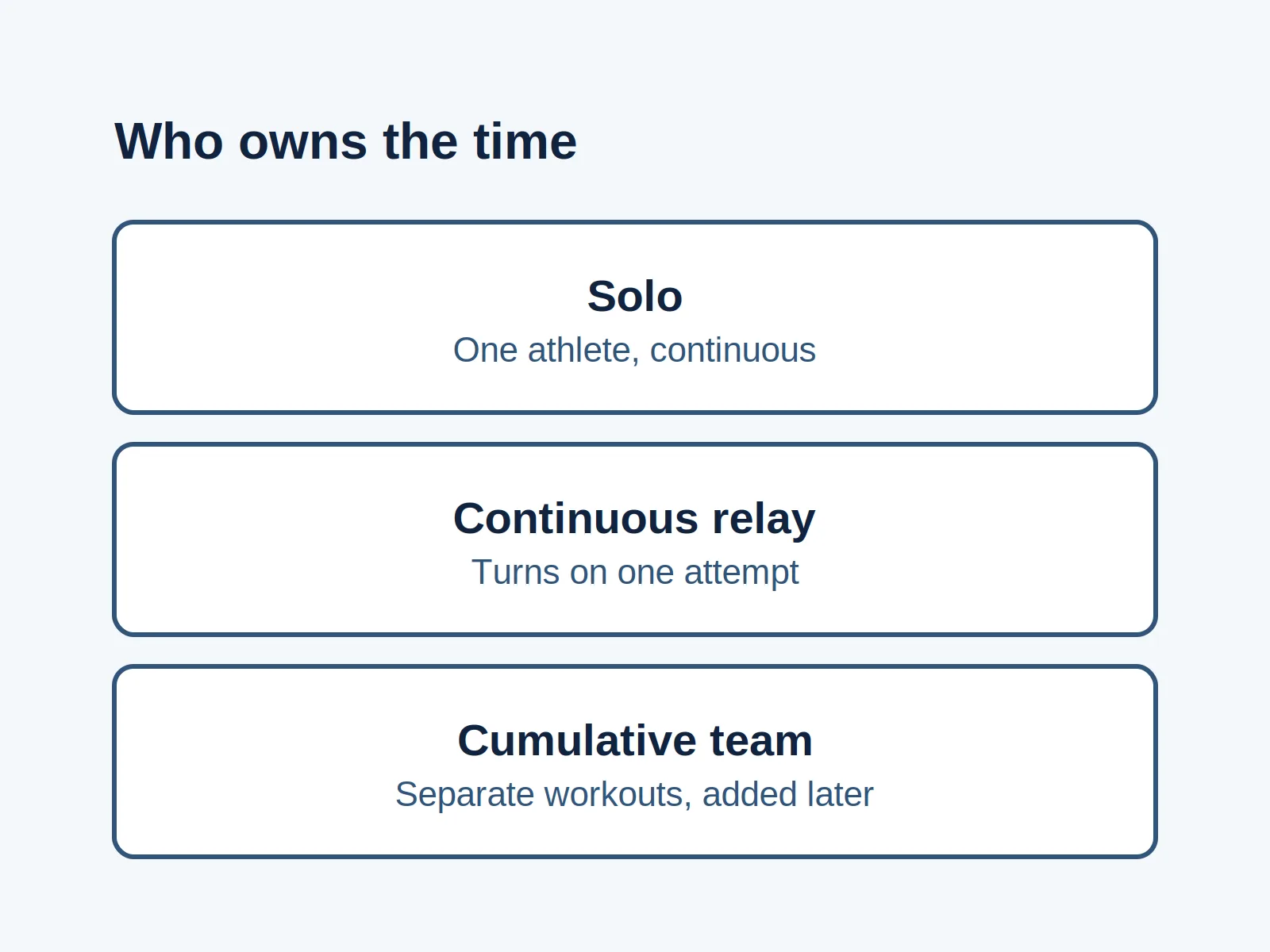
A “virtual row” invitation with the wrong timing can leave half the group expecting a live start and the rest planning separate workouts. A cumulative rowing challenge adds eligible workouts across a window; a live race compares a defined performance under the organizer’s start and result rules. A continuous relay adds another choice: people take turns while one attempt continues.
“Challenge” and “race” are event names, not guarantees about timing. A challenge can have standings, and a remote competition can accept separately submitted performances. This guide compares cumulative challenges, synchronous online races, venue races and continuous relays so a captain can choose the counting method before inviting a team. Concept2 provides the specific software and rule examples; other organizers may set different requirements.
Compare what each format counts
Read across one row before choosing an app. This table is an editorial comparison of the official sources below, not a universal rowing rulebook.
| Format | Must people row together? | Result being counted | Joining and equipment | Proof to arrange |
|---|---|---|---|---|
| Cumulative individual or team challenge | Separate sessions within the permitted window; no shared start needed for the cumulative format | Eligible workouts added toward a target or standings | Follow the named challenge’s machine and entry rules. Individual and team joining differ | Keep session records; check whether the organizer requests supporting evidence |
| Synchronous online race | Competitors attend their assigned race and connect for its start | Performance in the programmed race | For ErgRace Online: supported Concept2 machine with PM5, app and competition access | Organizer’s online result; confirm any extra event verification |
| In-venue race | Attend the venue and assigned heat | Performance in that race, under its scoring rules | Organizer’s supported machines, monitors and venue setup | Race results plus the event’s own checks |
| Continuous relay | Teammates take turns during one continuing attempt | One attempt’s distance or elapsed time, rather than unrelated workout totals | Agree machine count and changeovers before starting | Changeover record and whatever evidence the chosen rules require |
A standings table does not make a cumulative challenge a live race. Equally, being in one building does not make a team total a continuous relay: people may simply be adding separate sessions.
Choose the clock before choosing the software
Use these questions in order. The choice is about the event you want to run, rather than how hard someone should row.
- Do you want to add separate workouts over several dates? Choose a cumulative challenge. Decide whether the target belongs to each person, the combined team, or both.
- Do you want people to compare performances in the same live race? If yes, choose the venue: remote participants need a synchronous online race; participants gathering at one site need a venue race.
- Do you want people to swap onto a machine while one attempt keeps going? Choose a continuous relay. Resolve continuity and changeover rules before treating the result as a record attempt.
- Do you want separate timed submissions within an entry window? Check that event’s asynchronous competition rules. A submission window is different from a live heat, even if the event calls itself a race.
For example, a group whose members can only visit the gym on different days would choose cumulative sessions under this decision sequence. A group wanting a shared race finish would need an agreed live start. These are planning examples, not accounts of events we organized.
A team challenge is different from a club affiliation
Concept2’s Virtual Team Challenge is a useful cumulative example: its rules add the team’s eligible meters across the January window. Members join a team and that challenge; selecting a club affiliation in a profile is a separate action. The page also sets joining and entry deadlines, so use the current event page before enrolling.
The Concept2 Logbook FAQ distinguishes year-round affiliation standings from teams used for certain challenges. It says individual challenges do not require separate signup: entered or uploaded results count when they meet the challenge rules. Do not carry that individual-challenge answer over to a team event.
Choose the counting rule too. The Virtual Team Challenge accepts the listed Concept2 RowErg, SkiErg and BikeErg meters, with BikeErg meters counted as half for the challenge. That is a rule for this event, not permission to combine every machine’s display distance at face value. For a private event, publish your own accepted equipment and conversion policy before collecting totals.
If the workout is already logged but someone is absent from a board, use the challenge eligibility and visibility checks. Choosing a format alone does not enroll anyone.
Check the online and venue setups separately
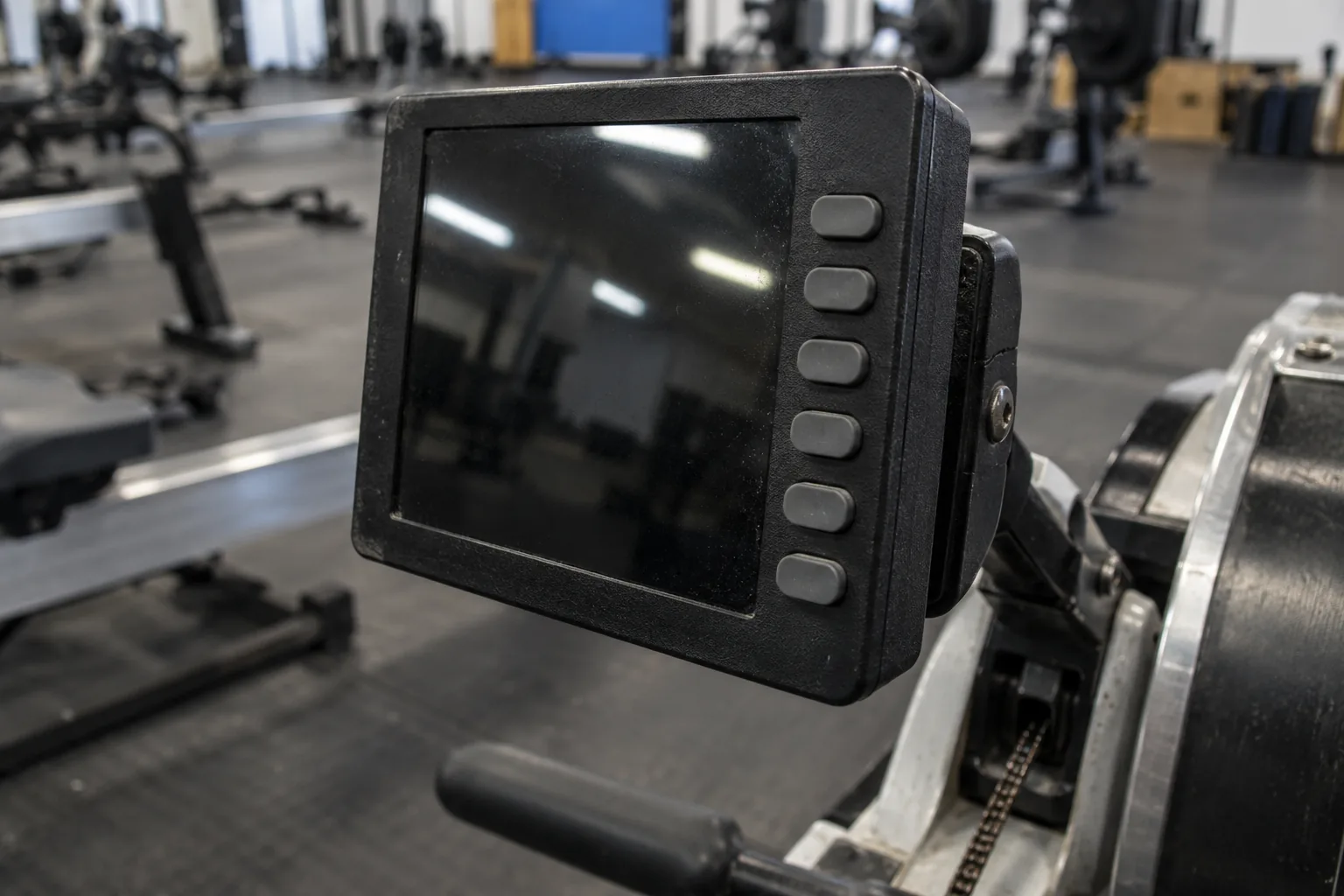
For ErgRace Online, Concept2 requires a PM5 and expressly excludes PM3 and PM4. The competitor instructions list a phone or tablet with the app, current monitor firmware, a Concept2 Logbook account and the event’s competition code. They advise trying a test race well before the event. Having ErgData for everyday logging does not by itself complete this race setup.
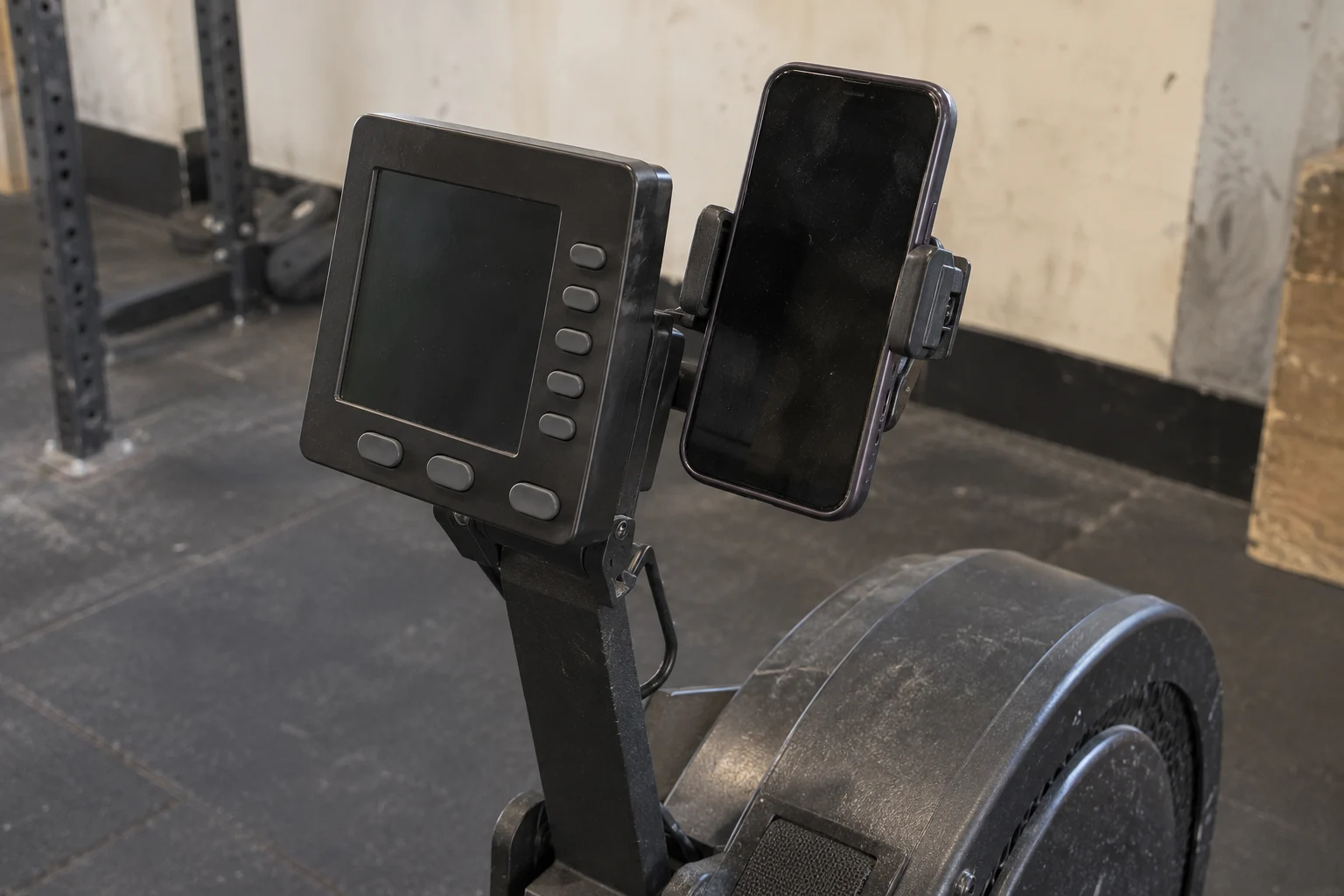
Ask each remote participant to identify the actual monitor and complete the test, rather than assuming that any rowing machine with a phone can enter. Other platforms need their own compatibility checks.
The organizer creates and starts races through the organizer website. Concept2 says ErgRace Online has no built-in registration system and cannot be used to contact participants. Our planning recommendation is to send the start time with its time zone, joining instructions and a separate support channel before race day.
ErgRace for a venue is a separate setup. Concept2 describes it as in-venue software supporting individual and team events for time, distance or Calories, with PDF results. Its page recommends PM5 monitors with current firmware. That recommendation is not a complete compatibility list: have the venue operator confirm the exact monitors, connections and computer against the current manual.
A continuous relay needs its own counting plan
Separate people logging workouts to a shared total is different from people handing over one continuing attempt. Decide which result you intend to report before anyone resets a monitor or starts another personal session.
Once you choose the format, use the team relay and solo pacing guide to budget handoffs and assign responsibility for keeping the result.
For a standard Concept2 team record attempt, the published requirements include a single machine, a flywheel that does not stop until completion, and a witness-signed log recording each person’s turn and monitor readings. The page also sets verification requirements and category-specific conditions. It contains special multi-machine provisions too, so read the requirements for the exact record rather than assuming one rule covers every category.
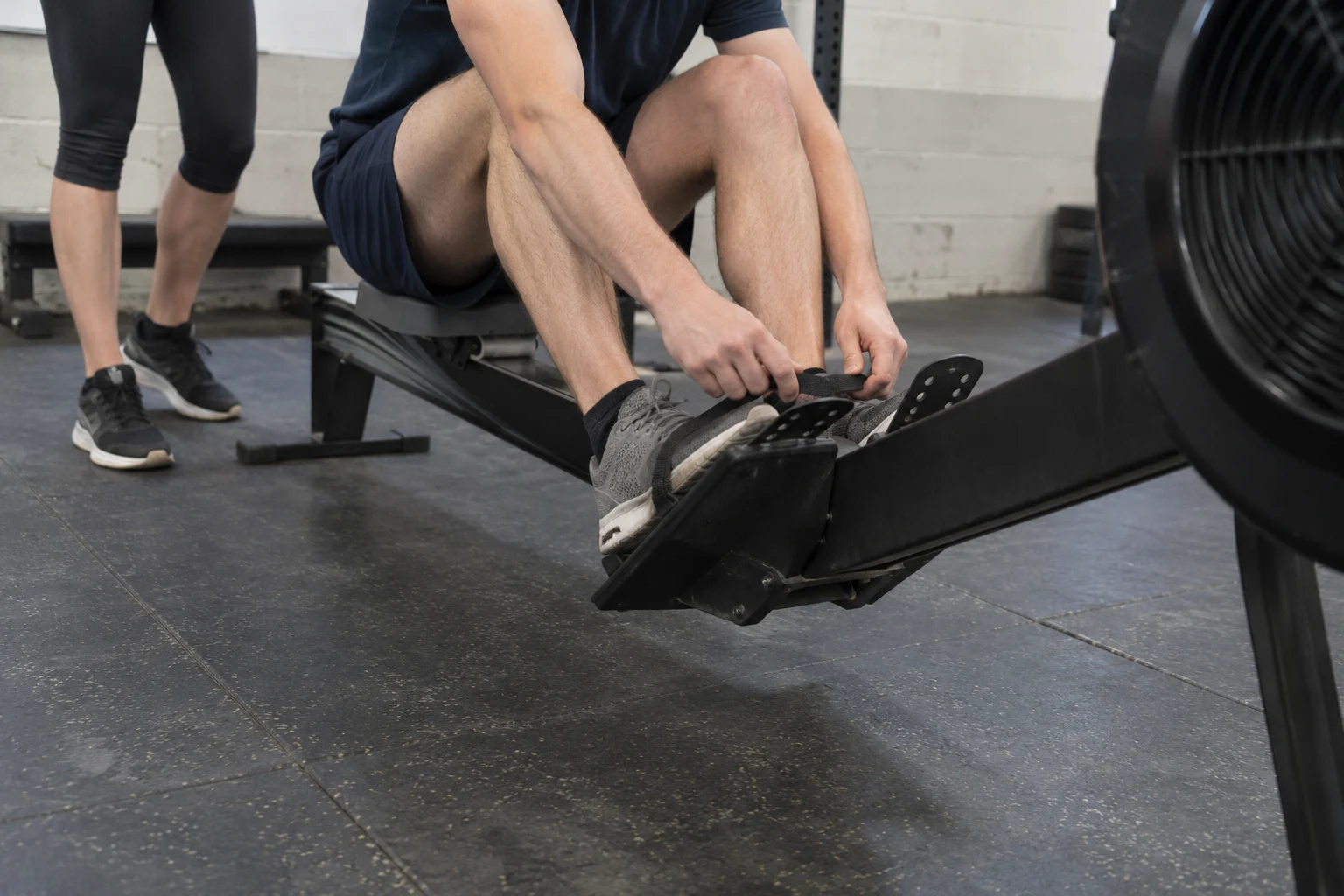
A casual charity relay can use its own published participation rules. It does not automatically become an official record attempt because the final meter total is large. Our recommendation is to rehearse a handover, assign someone to record changes, and agree what happens if the machine or recording fails. Confirm those choices with the intended organizer or record authority before starting.
This is a format-selection guide, not a complete record submission procedure. It does not claim that a monitor photograph alone proves every kind of performance; see our Concept2 result verification and relay evidence guide for the 16-digit monitor code, continuous video, and witness logsheet rules.
Write the invitation only after these fields are settled
Copy these prompts into your event note. They are an editorial planning checklist, not an entry form for any official challenge.
| Field | What to settle |
|---|---|
| Format | Cumulative challenge, live online race, venue race, continuous relay, or a separately specified submission event |
| Clock | Opening and closing window; or race start, check-in time and time zone |
| Counting | Combined meters, individual performance or one continuous attempt; accepted machines and conversions |
| Joining | Account, team/challenge join, race entry or organizer-issued access, as applicable |
| Equipment check | Actual monitor, required software and a successful test where relevant |
| Evidence owner | Who keeps results, session records or changeover logs, and what the rules demand |
| Failure rule | Who to contact and what happens to a disconnected or interrupted attempt |
Use the rowing split and time guide once the distance and scoring format are fixed. If this is a fundraiser, the charity event planning guide handles the wider organization decisions.
Method and sources
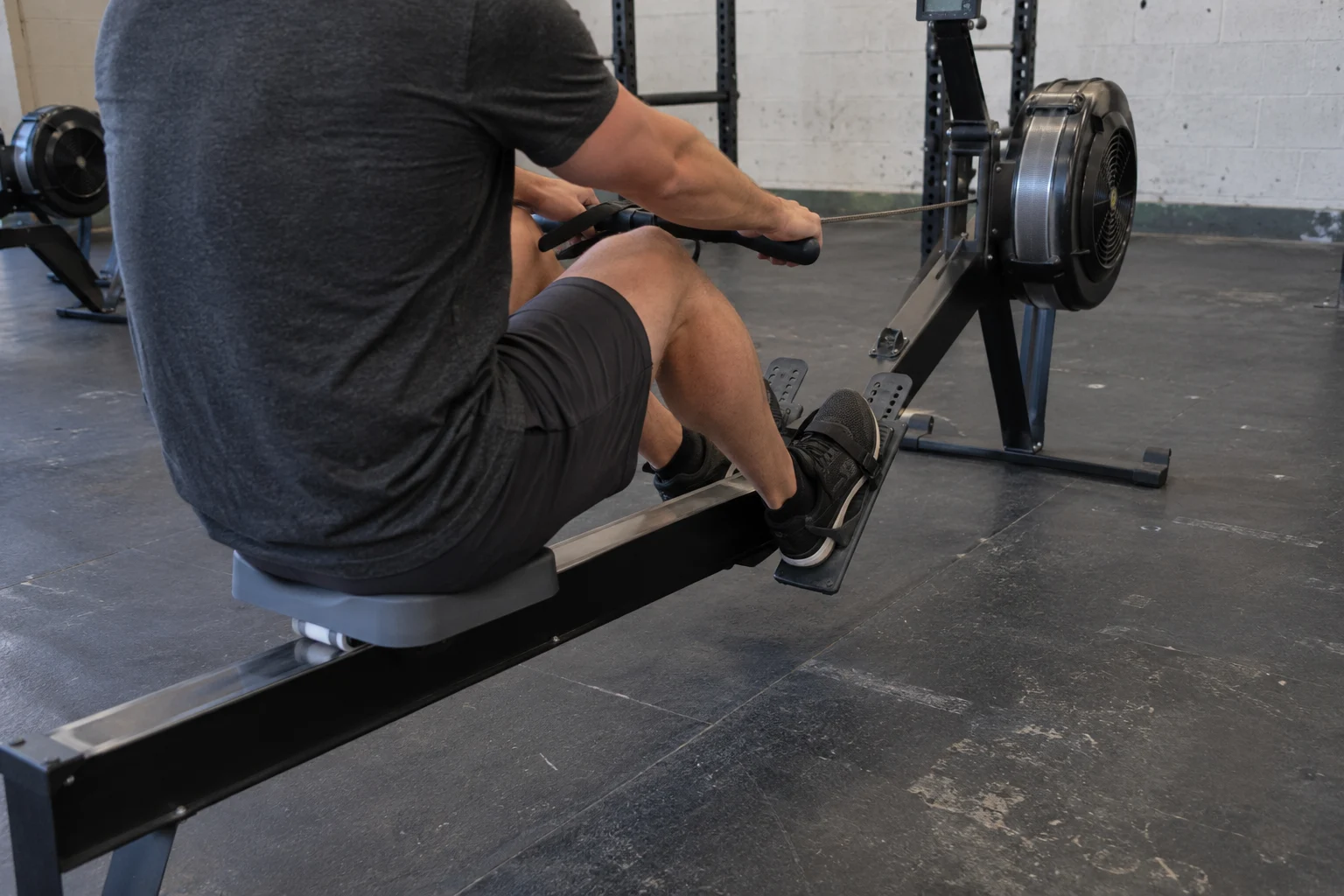
Official Concept2 challenge, Logbook, ErgRace and team-record pages were opened and checked on October 16, 2026. The comparison table and decision sequence are our editorial arrangement of those sources. We did not test the software or witness a race, and the photographs show equipment and gym scenes rather than verified event results.
The event’s current rules control entry, categories, equipment and proof. We have left event-specific deadlines and full record-category conditions to the linked official instructions instead of presenting them as universal requirements.