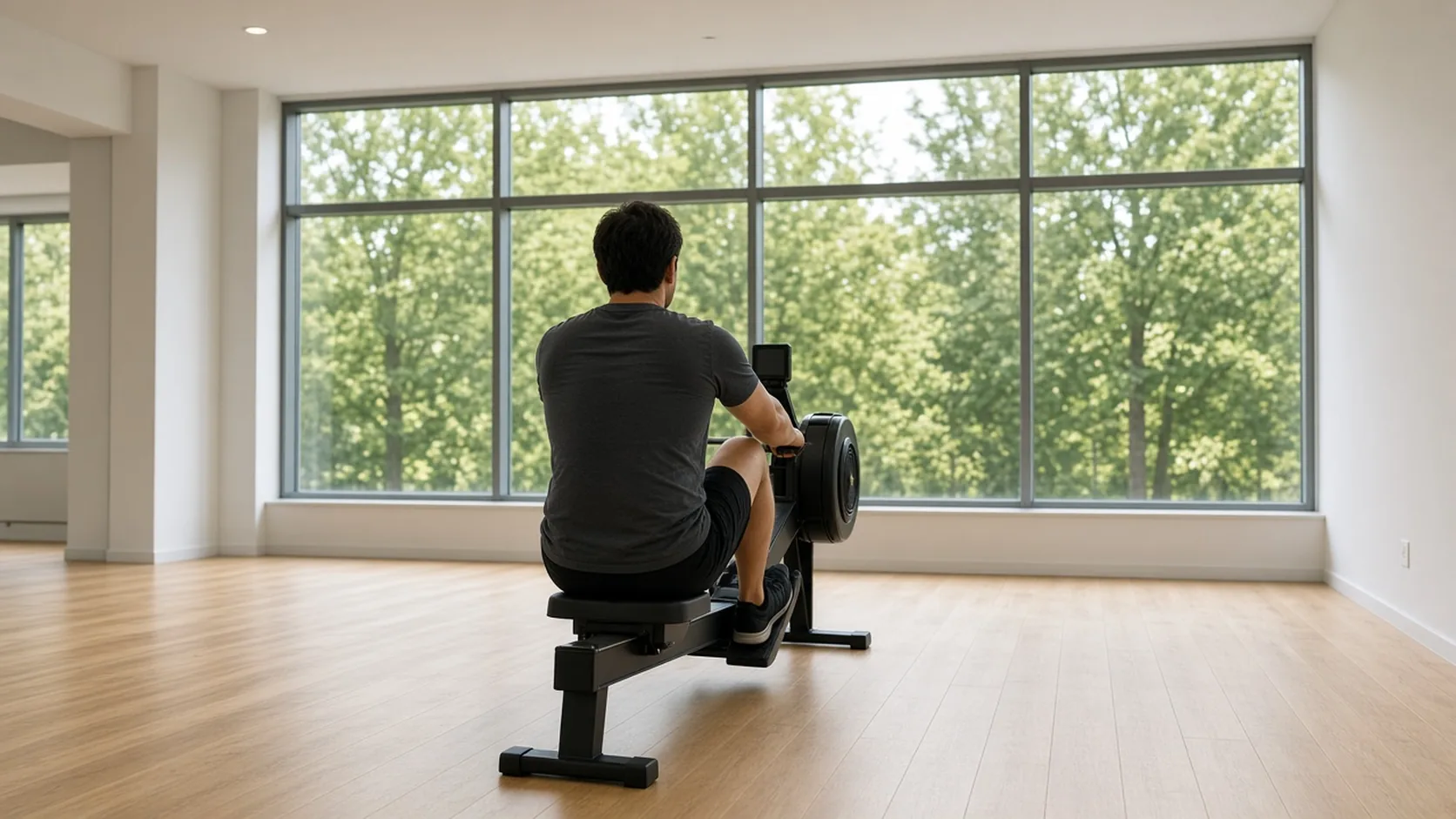
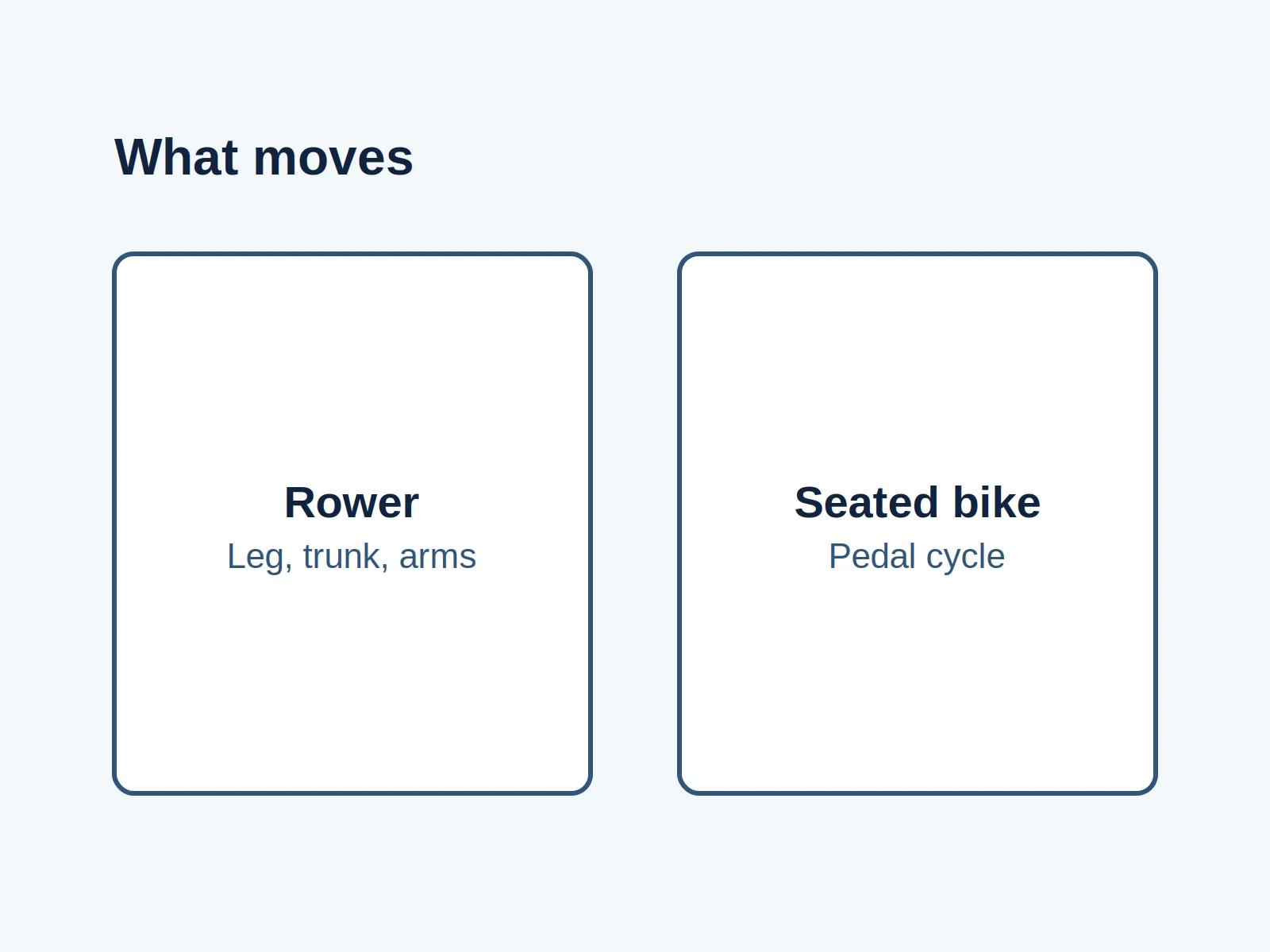
Starting under the wrong profile puts the next workout’s ownership in doubt. ErgData’s multi-user support lets people select their own account on one shared phone or tablet before a session; our recommended handover adds a result check before the next person takes over.
Use this for a household rowing machine or an event with separately completed personal workouts. The checklist is an editorial aid, not a procedure for preserving a continuous official relay result.
Before the next person starts, confirm the active profile and the previous person’s finished result.
| At a glance | What to do |
|---|---|
| One shared device | Select the person who is about to exercise |
| One finished session | Let that person check the result before switching |
| Online confirmation | Record it separately from seeing the result in the app |
| A workout link | Treat it as shared workout content, not account selection |
Set up the profiles before people queue
Concept2’s multi-user instructions, dated September 18, 2025, describe adding accounts through the profile picture or initials, or through Settings > Manage Users. Added profiles stay available for later selection. Choose the incoming person’s account before starting their workout.
The same instructions say that leaving Remember me unchecked means entering the password again when switching to that account. For an event, let each participant handle their own sign-in. Do not collect passwords in the handover sheet. Decide with the device owner whether retaining accounts is appropriate before registration begins.
Those are different decisions: making a profile easy to select does not establish who should have access to a shared device. This guide makes no claim about password isolation or what another person can view.
Use a three-stage handover for each separate workout
The table below is our suggested division of responsibilities. A volunteer can record completion marks; the athlete confirms the account and the result. Keep the sheet to a participant label or agreed initials rather than login details.
| Stage | Athlete’s check | Volunteer or household check | Pause if… |
|---|---|---|---|
| Before starting | Select and recognize your active account | Match the participant label to the person taking this turn | The athlete cannot identify the selected account |
| After finishing | End the workout and check its result in ErgData | Note the displayed distance and duration, keeping the units | The result has not appeared, or does not match the completed session |
| Before the next start | Previous athlete confirms the result; incoming athlete selects their own profile | Close the previous handover row and open a new row | Either confirmation is missing |
Concept2’s support FAQ says Just Row and interval pieces can be ended with the PM5 Menu button or the menu on ErgData’s workout screen. It also says to allow the final data to arrive in ErgData when disconnecting through the monitor’s Connect screen. Use the visible result as the checkpoint, rather than a volunteer’s countdown.
Seeing a result locally and confirming an entry in the athlete’s Online Logbook are separate checks. Our suggestion is to have the athlete confirm the online entry before closing the event’s record. If it cannot be confirmed, mark it pending and resolve it before including that entry in a reconciled total. Do not turn a pending entry into a second workout by asking someone to repeat the session merely to fill the sheet.
Copy this blank handover row
Use one row per completed personal session. A blank cell means the check is still open; it does not mean zero metres. Leave the online-confirmation cell pending if internet access or account access prevents the check.
| Participant label | Active profile confirmed before start | Finished distance, with unit | Finished duration | Result seen in app | Online entry confirmed / pending | Next profile confirmed |
|---|---|---|---|---|---|---|
For example, if an athlete sees the correct finished result but cannot check the online entry, record the observed result and leave online confirmation pending. That is a record of what was checked, not a claim that synchronization failed.
Sharing a device and sharing a workout link do different jobs
A shared phone changes hands. A workout link sends content to someone. Keep these as separate actions when briefing participants.
| Action | What it is for | What the handover still needs |
|---|---|---|
| Choose an ErgData profile on one phone or tablet | Select whose account will be used for the upcoming session | Incoming athlete confirms the active identity |
| Send a workout to try | Give another person workout content | Confirm the account on the device used to perform it |
| Share a completed result | Let a recipient view the result, subject to viewing permission | Confirm the original athlete’s own saved entry |
Concept2’s sharing-workouts guide, dated September 18, 2023, describes the share/export control and sending workout links. It also describes permissions for viewing results. It does not describe using a link to transfer ownership of a completed session. Do not use a forwarded result as a substitute for selecting the next athlete’s account.
Stop the handover when identity or saving is unclear
If the wrong profile was selected, keep a note of the participant and the observed result while the athlete seeks help. Switching to the correct profile afterward is not evidence that the earlier entry moved. No automatic reassignment procedure is claimed here.
If no result appears, stop at that checkpoint. Concept2 warns that a USB flash drive inserted in the monitor can interfere with ErgData saving. Follow its support guidance before starting another session. A result already stored only on the monitor belongs to the separate past PM5 workout upload guide; this handover sheet does not recover missing records.
If the entry is in the correct logbook but missing from a challenge board, use the challenge eligibility and visibility checks. Account confirmation alone does not establish eligibility for a challenge.
Android, older layouts, and continuous relays
The current ErgData product page lists iOS and Android availability and PM5 connectivity over Bluetooth. The multi-user announcement does not specify a minimum app build or an account limit. Check the installed app and current official instructions if the profile controls differ; this guide does not promise identical screens across versions.
For a continuous relay, agree the recording method with the relevant organizer or record authority before the event. Do not stop a continuous attempt or split it into personal sessions just to follow this checklist. Its start/finish/switch sequence assumes each person’s workout is intended to be a separate result.
Method and sources
Official Concept2 pages were checked on October 15, 2026. They support the feature controls, saving guidance, compatibility, and sharing distinction cited above. The handover stages, blank sheet, pause rules, and suggested volunteer roles are our editorial recommendations. We did not connect a monitor, test synchronization, or validate a particular phone’s interface. No result-transfer, security, or continuous-record acceptance guarantee is implied.